Phone not charging
Phone not charging: battery, cable, or charging port?
A loose cable or dead phone does not prove the charging port needs replacement. Start with safe equipment checks, then inspect the complete charging path.
Call (510) 900-2011 · Get directions
Short answer
The short answer: test the easy external causes before assuming the port is broken.
A known-good outlet, adapter, and cable can rule out common equipment problems. If charging remains loose, intermittent, unusually slow, or completely absent, the port, battery, liquid exposure, or internal power circuitry may need inspection.
What matters most
What to check before deciding.
- Try one known-good compatible cable, adapter, and outlet.
- Remove a case that may prevent the connector from seating fully.
- Look for debris or visible damage, but do not insert pins or metal tools into the port.
- After liquid exposure, power off and do not connect a charger again before evaluation.
Start with the cable, adapter, outlet, and case.
A worn cable can charge only at an angle, disconnect when moved, or fail on one side of the connector. An adapter or outlet can also stop supplying stable power. Test with one compatible set you know works with another device rather than rotating through several unknown accessories.
Remove the case temporarily and check whether it blocks the connector from seating fully. If wireless charging works on a compatible phone, that is a clue about the cable path, but it does not prove the port is the only fault.
When debris or port damage is more likely.
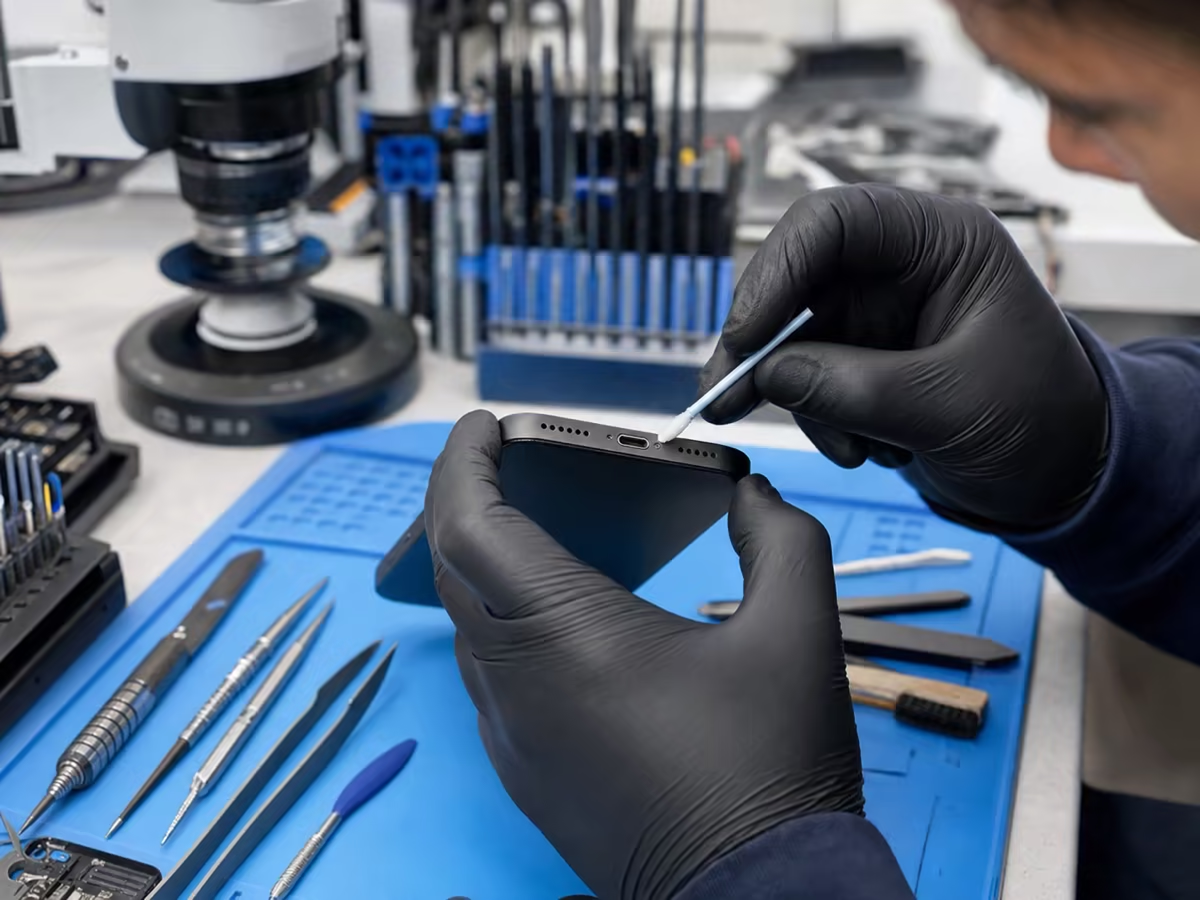
Pocket lint can compact at the back of a Lightning or USB-C port and prevent the cable from seating. Bent pins, corrosion, impact, or repeated cable strain can also damage the connector.
Do not scrape the port with a pin, paper clip, blade, or other metal object. That can damage contacts, create a short, or compact debris further. Inspection determines whether careful cleaning is appropriate or the connector is actually damaged.
When the battery or internal charging system may be involved.
A worn or deeply discharged battery may not respond normally even when the cable path works. Board-level charging faults can also cause no power, rebooting, heat, or intermittent charging. These symptoms cannot be separated reliably from the outside in every case.
Bring the phone, the cable, and the adapter that show the problem. A technician can compare connector fit, power response, battery behavior, and visible damage before recommending cleaning, battery service, port repair, or deeper diagnostics.
What changes the price and timing of charging repair?
Eligible charging repair work may start at $60 after inspection, but cable replacement, cleaning, connector replacement, battery service, and board work are different jobs. Final pricing and timing depend on the exact model, findings, workload, and parts availability.
Kemo Wireless provides free diagnostic evaluation at 3332 International Blvd in Oakland's Fruitvale neighborhood, near Fruitvale BART. Walk-ins are welcome; bring the charging equipment that reproduces the problem.
Frequently asked questions
Helpful answers before repair.
Does a loose cable mean the charging port is broken?
Not always. Case interference, debris, a worn cable, or connector damage can feel similar.
Can the port be cleaned instead of replaced?
Sometimes. Inspection determines whether careful cleaning is appropriate or the connector is damaged.
Why does wireless charging work when the cable does not?
That points toward the cable path, adapter, or port, but it does not identify the exact fault without inspection.
What should I do if the phone got wet?
Power it off and do not connect a charger. Do not use rice or heat; bring it for liquid-damage evaluation.